


Hello guys, are you okay? I hope very well!
Most of our projects need to load images from a server, be it an advertisement, a new software update, or other needs. For this project, we will need the components below.
- PictureBox;
- Button;
- TextField.
Organize your project layout as shown below.
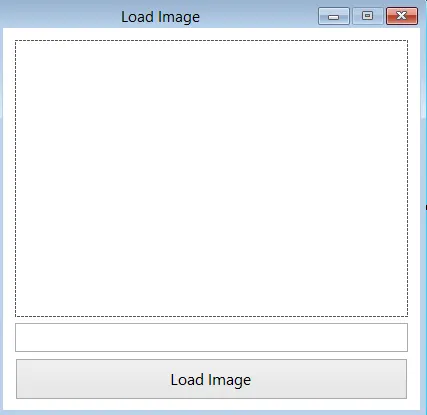
Image 1: Project layout
Now change the properties as shown in the table below.
| Component | Properties |
|---|---|
PictureBox | |
Name | pcbImage |
SizeMode | CenterImage |
Button | |
Name | btnLoad |
Text | Load Image |
TextField | |
Name | txtLoad |
Form | |
Name | frmMain |
StartPosition | CenterScreen |
ShowIcon | False |
MaximizeBox | False |
Text | Load Image |
Now double-click the button and enter the algorithm shown below.
Code 01
WebRequest request = WebRequest.Create(txtLoad.Text); //Initializes an instance with the given URL
            using (var response = request.GetResponse()) //Tries to access the object
            {
                using (var str = response.GetResponseStream()) //Returns the metadata of the image
                {
                    pcbImage.Image = Bitmap.FromStream(str); //Creates a bitmap based on the loaded metadata, in the sequence inserts into the image property.
                }
}
Remember to import the System.NET class.
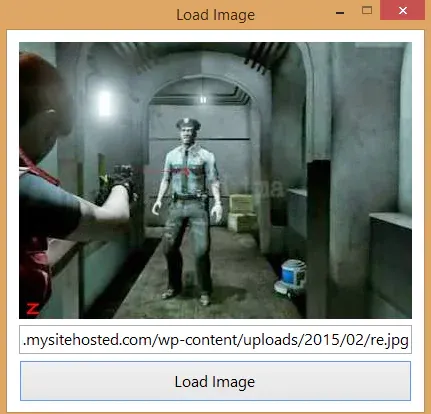
Image 2: Final result.
I hope you enjoyed it, leave a comment.


Deixe um comentário